
How to Get a Texas Sales Tax Permit in 2026
Starting a business in the Lone Star State is an exciting venture, but it comes with specific regulatory responsibilities. One of the most critical steps for any entrepreneur is securing a Texas Sales Tax Permit. As we move into 2026, the Texas Comptroller’s office continues to streamline the process, but the requirements remain strict.
In this guide, Top Austin Businesses breaks down everything you need to know to get your permit, stay compliant, and leverage the benefits of being a registered seller in Texas.
Who Needs a Texas Sales Tax Permit in 2026?
In Texas, you must obtain a sales tax permit if you are an individual, partnership, corporation, or other legal entity “engaged in business” in the state. This includes:
- Selling tangible personal property (physical goods).
- Leasing or renting tangible property.
- Providing taxable services (e.g., data processing, landscaping, or cleaning).
Physical vs. Economic Nexus Explained
For 2026, the rules for out-of-state sellers (remote sellers) are well-defined. You have physical nexus if you have an office, warehouse, or employees in Texas. You have economic nexus—even without a physical presence—if your total revenue from Texas sales exceeds $500,000 in the preceding 12 months.
Preparation: What You Need Before Applying
Gather the following documentation before logging into the Texas Comptroller’s eSystems portal to ensure a smooth application process:
- Sole Proprietors: Your Social Security Number (SSN).
- Partnerships & Corporations: Federal Employer Identification Number (EIN).
- Entity Info: Texas Secretary of State file number (for LLCs and Corporations).
- NAICS Code: Your business industry classification.
- Officer Details: Names and SSNs of all officers, directors, or partners.
Step-by-Step Guide to the Online Application
The most efficient way to get your permit is through the Texas Online Tax Registration Application. Follow these steps:
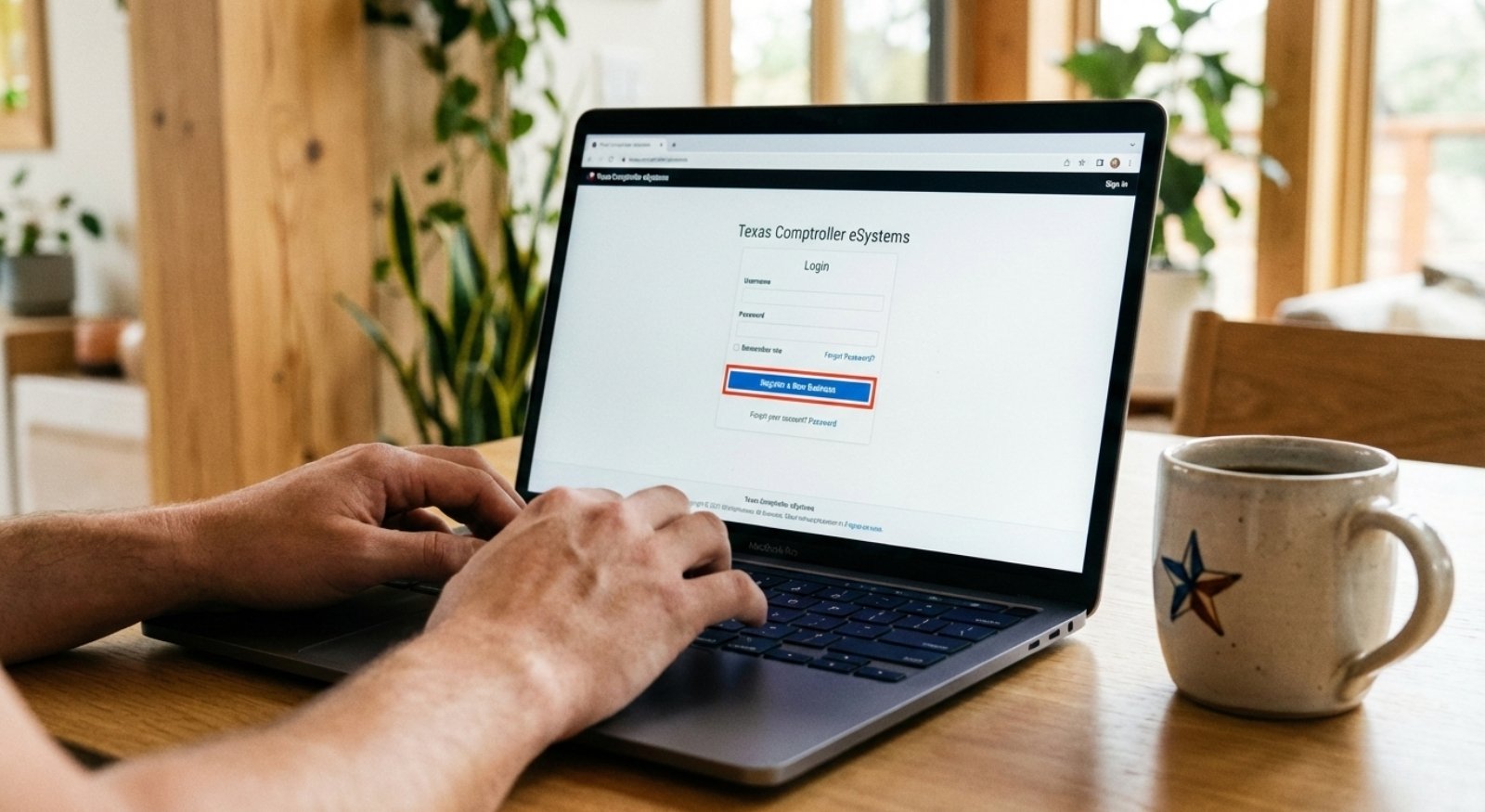
- Create an eSystems Profile: Visit the Comptroller website and register for a user ID.
- Select “Register a New Business”: Choose the “Sales and Use Tax Permit” option from the menu.
- Complete Form AP-201 Online: Enter your business start date and estimated monthly sales.
- Submit and Sign: Use the digital signature option to expedite processing.
- Wait for Processing: Expect to receive your permit by mail within 2 to 4 weeks.
2026 Updates: Texas Sales Tax Rates and Deadlines
The base state sales tax rate in 2026 remains 6.25%. However, local jurisdictions (cities, counties, transit districts) can add up to 2%, making the maximum total rate 8.25%.
Pro Tip: Always use the Comptroller’s “Tax Rate Locator” for destination-based taxing, especially if you deliver goods to various cities across the state.
Common Mistakes to Avoid
- Filing Late: Even if you have zero sales, you must file your return by the due date to avoid a $50 penalty.
- Mishandling Resale Certificates: Use Form 01-339 only for items you intend to resell. Using it for internal office supplies is a violation of state law.
- Forgetting Local Nexus: Ensure you are registered for the correct local taxes if you have multiple physical locations.
Leave a Comment